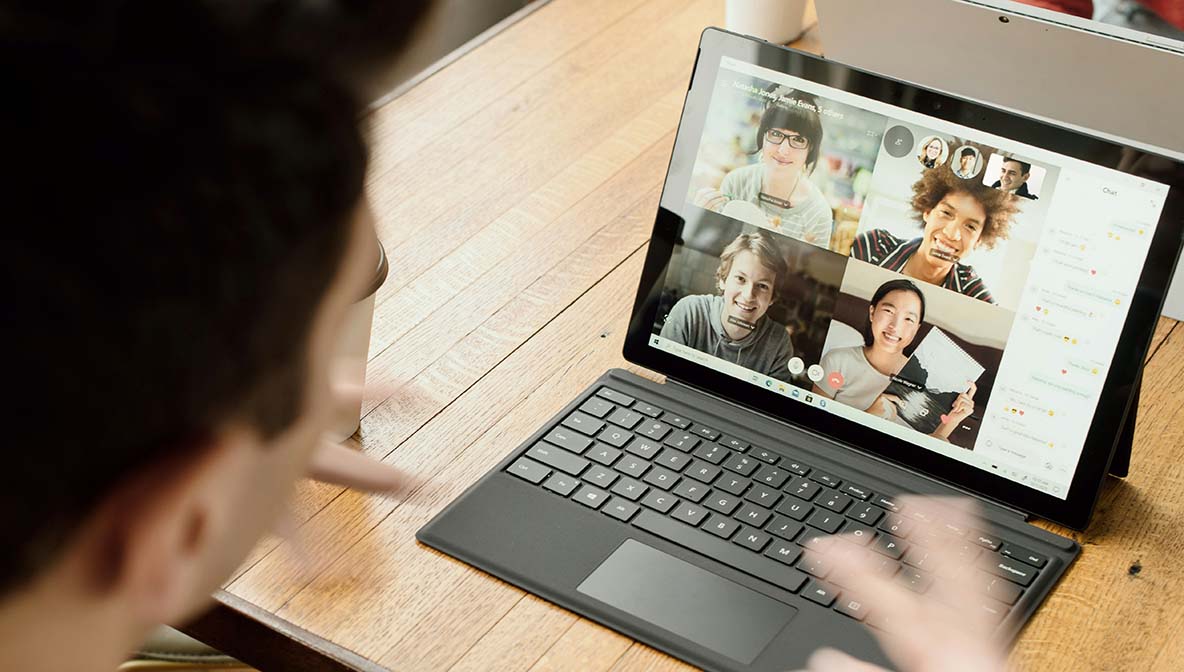
A convincing Teams call from an "IT helpdesk," a brief remote assistance session, and a short script typed into a prompt. That is the chain researchers say has led to Matanbuchus loader infections in recent targeted campaigns. In one documented case, an employee followed instructions during a Teams call, used Windows Quick Assist to allow access, and ran a command that downloaded an archive and quietly installed a loader. That loader then prepared the system for follow-on malware such as Cobalt Strike or ransomware.
Below I walk through what Matanbuchus is, how attackers are using Teams and Quick Assist to deploy it, the common signs that it may be present, and practical steps to check for and remove it if you suspect infection.
Matanbuchus is a malware loader first observed in 2021 and offered as malware as a service. As a loader, its main job is not to perform the final destructive action itself, but to establish a stealthy foothold and pull down additional payloads controlled by attackers. Over time the loader has evolved; recent research describes a major update called Matanbuchus 3.0 that adds more stealthy communications, in-memory techniques, and advanced persistence and execution options.
In plain terms: think of Matanbuchus as the tool that opens the door and then calls in the attackers’ other tools. That might include credential stealers, remote shells, Cobalt Strike beacons, or ransomware. Because it is offered commercially on underground forums, a variety of threat actors can rent it, making it a flexible and widely used component in targeted intrusions.
The recent campaigns described by Morphisec and others use social engineering through Microsoft Teams. Attackers impersonate external IT support or a trusted partner, initiate a Teams call, and persuade the target to accept remote help via Windows Quick Assist or to run a short PowerShell script they provide. That script downloads an archive containing a renamed updater (commonly a Notepad++ updater), a benign-looking config file, and a malicious side-loaded DLL: the Matanbuchus loader. Once executed, the loader schedules persistent tasks and establishes covert communications with its command and control servers.
Why Teams works for this: Teams calls feel legitimate, use trusted corporate channels, and can include the appearance of urgency or authority. Quick Assist and similar remote-help tools are built to let support staff guide users; attackers exploit that trust to get users to execute code for them.
Downloads and launches secondary payloads. Matanbuchus frequently drops other malware components that perform theft, lateral movement, or encryption.
Sponsored
Even when you know what needs to be done, keeping up with updates, monitoring, and security tools can quickly become overwhelming. That's why we created Simplified Solutions.
Instead of spending hours managing devices and worrying about what you might have missed, you can automate protection, streamline maintenance, and focus on running your business.
If you suspect a targeted social engineering event or unusual behavior after a Teams/Quick Assist session, check for the following signs:
Unexpected scheduled tasks. Matanbuchus variants have been observed creating scheduled tasks for persistence. Check Task Scheduler for recently created or unfamiliar tasks.
PowerShell: Get-ScheduledTask | Where-Object {$_.TaskPath -ne '\Microsoft\'} (inspect tasks with odd names or recent creation dates)
tasklist /m can help.msiexec, rundll32, or regsvr32 with unusual arguments.When checking, preserve logs and avoid rebooting or running heavy cleanup until you have a plan; attackers sometimes watch for admin activity and adapt.
If you find signs that Matanbuchus or its payloads are present, follow a careful, prioritized approach:
Isolate the device. Disconnect from the network immediately to stop further downloads or lateral movement.
Preserve evidence. Export event logs, process lists, and copies of suspicious files to a secure location for analysis.
Engage an EDR or AV scan. Run full scans with updated enterprise AV or EDR tools; Matanbuchus indicators are being added to vendor detections, and EDR can often detect behavior patterns. Cite vendor guidance where available.
HKCU\Software\Microsoft\Windows\CurrentVersion\Run and HKLM\ run keys for unauthorized entries.
Get-ItemProperty HKLM:\SOFTWARE\Microsoft\Windows\CurrentVersion\Run and Get-ItemProperty HKCU:\SOFTWARE\Microsoft\Windows\CurrentVersion\RunChange credentials and rotate keys. After cleaning, reset passwords for affected users and any service accounts, and force reissue of credentials.
Review logs for lateral movement and C2 callbacks. Confirm no other systems were touched; if lateral movement occurred, treat as a network incident.
Plan for recovery and future prevention. Ensure backups are clean and working; update policies around remote assistance and train staff to verify caller identity before permitting remote help.
If your organization lacks an in-house security team, consider contacting a professional incident response provider to ensure a thorough cleanup. Vendors are publishing detection and removal guidance as Matanbuchus 3.0 is analyzed; consult trusted sources for the latest indicators of compromise.
Sponsored
Start your 14-day free trial and get visibility into your devices in minutes, no IT team required.
 Ben Loveless
Co-founder and Developer
Ben Loveless
Co-founder and Developer