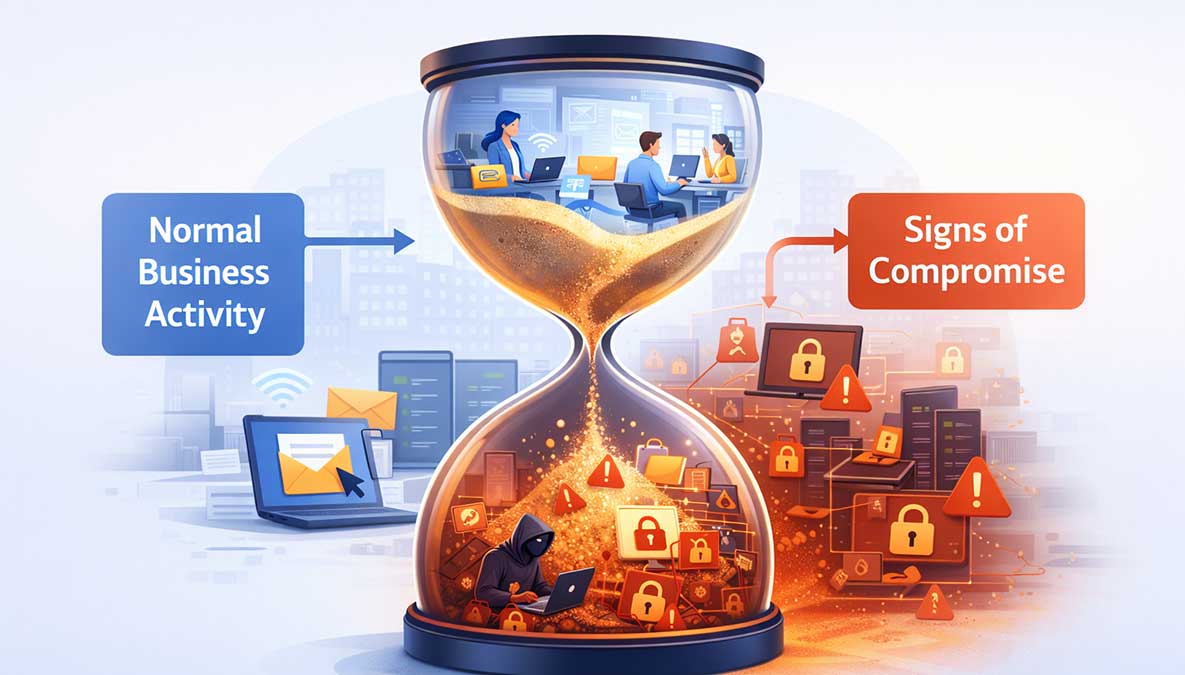
Many cyberattacks are not discovered immediately. In fact, some remain undetected for days, weeks, or even longer. During that time, attackers may be accessing systems, collecting data, or preparing a larger disruption.
For small businesses, the challenge is that early warning signs are often subtle. Nothing appears obviously broken. Systems continue to run. Employees continue working. The underlying problem grows quietly.
Knowing what to look for can make the difference between a contained incident and a much larger disruption.
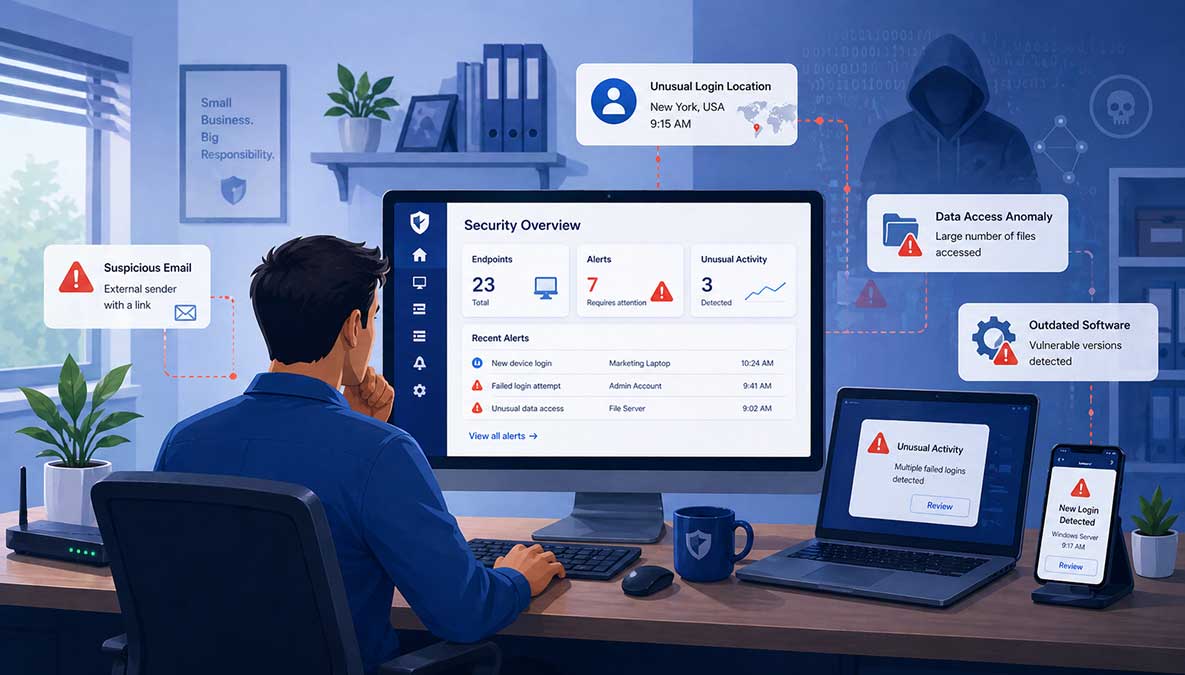
One of the earliest signs of compromise is unexpected login behavior.
This may include:
With AI-assisted credential attacks becoming more common, attackers can test login combinations quickly and quietly. A single compromised account can provide a foothold into your environment.
If users report that their passwords no longer work, or if account settings have changed without explanation, this is a strong signal that something is wrong.
Other warning signs include:
Attackers often modify accounts to maintain access even after the initial entry point is discovered.
Compromised systems do not always fail immediately. Instead, they may behave differently.
Watch for:
These signs can indicate malware activity or unauthorized processes executing on a device.
Many organizations already receive alerts from antivirus or security tools, but they are often dismissed or misunderstood.
Repeated alerts, even if they seem minor, should not be ignored.
In a properly monitored environment, alerts are investigated and resolved. In unmanaged environments, they can become background noise, allowing real threats to persist.
Another sign of compromise is unusual activity involving files or network access.
This may include:
These behaviors often occur during the exploration or data exfiltration stages of an attack.
Sponsored
Most small businesses assume they're too small to be targeted, until something goes wrong. The reality is that modern threats don't discriminate, and staying protected requires constant attention. That's where Simplified Solutions comes in.
Instead of reacting to problems after they happen, you can proactively protect your devices, detect threats early, and stay secure without adding complexity to your day.
If customers, vendors, or employees report receiving unusual emails from your business, it may indicate that an account has been compromised.
Common signs include:
Email account compromise is often used for fraud or to spread phishing attacks further.
Attackers frequently attempt to disable protections once they gain access.
Signs include:
These changes may not always generate obvious alerts, especially in environments without centralized visibility.
Backups are often targeted during an attack.
Warning signs include:
If backups are compromised, recovery becomes much more difficult.
This is the most visible sign, but also the latest stage.
Files become encrypted, systems are locked, and a ransom demand appears. At this point, the attack has already progressed through several earlier stages.
As outlined in our article about what happens in an attack, by the time ransomware appears, the attacker has typically had access for some time.
Small businesses frequently miss early indicators for a few reasons:
Cybersecurity tools may already be in place, but without consistent oversight, they are less effective.
If you suspect your business may be compromised, quick action matters.
Start with:
The goal is to contain the issue before it spreads further.
If these signs feel difficult to track or verify, that is not unusual.
As explained in our plain-English guide to cybersecurity for SMBs, small businesses often operate without dedicated security teams. This makes detection more challenging.
Most of the warning signs listed above occur at the endpoint level. Without visibility into those systems, early detection becomes unlikely.
While detection is important, prevention reduces the chances of reaching this stage.
The fundamentals still apply:
These are the same core controls outlined in our cybersecurity checklist.
Most cyberattacks do not begin with obvious disruption. They begin quietly, often blending into normal activity.
The earlier you recognize the signs, the more control you have over the outcome.
If something feels unusual, it is worth investigating.
Ignoring small signals is often what allows larger problems to develop.
Sponsored
Start your 14-day free trial and get visibility into your devices in minutes, no IT team required.
 Ben Loveless
Co-founder and Developer
Ben Loveless
Co-founder and Developer