Changing Payment Method
This document explains how to update the payment method for an Organization in Simplified Solutions. Keeping payment information current helps ensure that invoices are paid automatically and services remain uninterrupted.
Only users with administrator access can change the payment method for an Organization.
Accessing Payment Settings
To update a payment method, navigate to My Organizations > Billing for the Organization you want to manage.
The Billing page displays the current payment method on file, along with an option to update it.
Updating the Payment Method
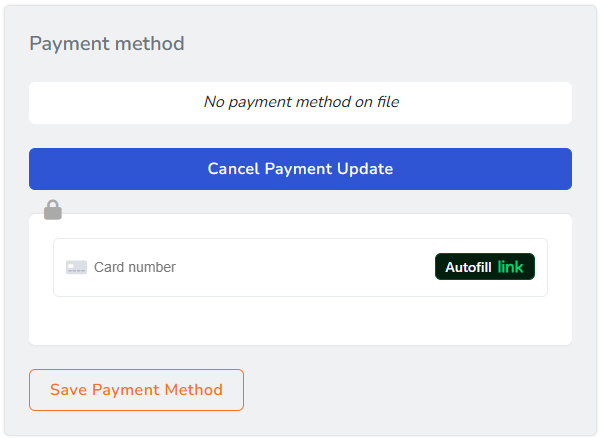
Select the option to update the payment method. This opens a secure payment form where new card information can be entered.
Payment details are processed securely through Stripe. Credit card information is never stored on Simplified Solutions servers.
Saving or Canceling Changes
After entering the new payment information, you can either save the changes or cancel the update.
If you save the new payment method, it becomes the active payment method for all future invoices associated with the Organization.
If you cancel the update, the existing payment method remains unchanged.
When Payment Method Changes Take Effect
Once saved, the updated payment method is used for the next automatic payment attempt.
Invoices that have already been issued but not yet paid will also use the updated payment method when payment is processed.
Payment Security
All payment updates are handled using secure, industry-standard practices.
If you encounter issues updating your payment method, reviewing card details and ensuring the card is valid can help prevent billing interruptions.